THE PLAYBOOK · JYYJHG
Minesweeper: rules and examples
Try Minesweeper at your own pace and keep its objective in view. Open all 71 safe cells. Opening a mine ends the round. Flags help you mark suspected mines but do not replace opening safe cells. Use the example below to understand a decision. Treat the first round as a chance to learn the controls. Use the example below to understand a decision.
Try a more deliberate round
Before your first action, say what you are trying to achieve. Then compare the result with the goal. Make the next step deliberately.
The purpose of your moves
Open all 71 safe cells. Opening a mine ends the round. Flags help you mark suspected mines but do not replace opening safe cells. Keep that objective in view throughout the round. Follow this game’s rules rather than another version’s.
Start here and follow along
- Open a covered square to reveal it.
- A number counts mines in the surrounding eight positions.
- Right-click to flag on a computer, or enable Flag mode on a phone.
- Use safe deductions to open the remaining cells.
Your inputs
Click/tap to open. Right-click to flag, or use the Flag mode toggle for touch devices. Use the control method described here for this activity. Look at the feedback after the action.
An example before you play
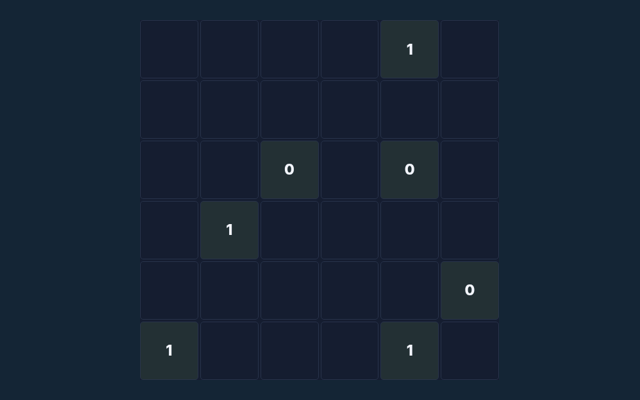
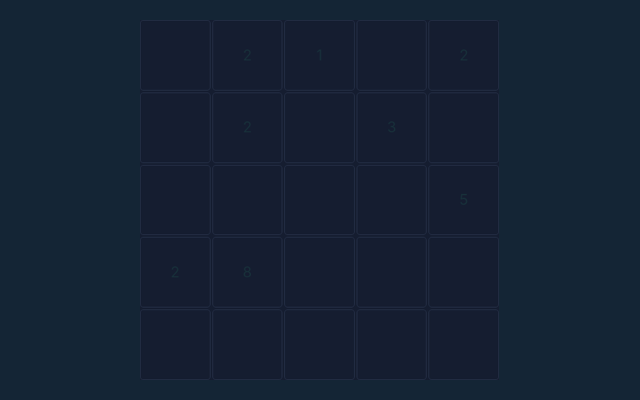
A revealed 1 with only one covered neighbour means that neighbour contains a mine. Focus on why the action is allowed, not only its outcome. Choose a deliberate next step.
Keep this in mind
A flag is your own note, not a confirmation from the game. Remove a mistaken flag before opening that square. Check the rule before repeating the action. Watch the feedback after an action. A message can explain whether the input was accepted or whether a rule needs attention.
Further help with the game
For this browser game, what is the goal of Minesweeper?
Here is the relevant explanation: Open all 71 safe cells. Opening a mine ends the round. Flags help you mark suspected mines but do not replace opening safe cells.
How do I control Minesweeper?
Keep this in mind: Click/tap to open. Right-click to flag, or use the Flag mode toggle for touch devices.
On this playing page, what example helps explain Minesweeper?
Keep this in mind: A revealed 1 with only one covered neighbour means that neighbour contains a mine.
For a quick reminder, what should I watch out for in Minesweeper?
Here is the relevant explanation: A flag is your own note, not a confirmation from the game. Remove a mistaken flag before opening that square.
While learning, what format does Minesweeper offer?
Keep this in mind: Play using the solo mode shown on this page. Read the controls before starting a new round.
For this browser game, which play mode does Minesweeper use?
Here is the relevant explanation: The mode on this page is Solo. Same-device play uses one screen; this game library does not provide internet matchmaking.